There is something quietly satisfying about opening the front door to a crate of fresh groceries you did not have to queue for. Online grocery delivery services in the UK have come a long way from the clunky early days of substitutions and missed slots, and in 2026 the best of them genuinely feel like a service designed around your life rather than the other way around. I have tried a fair few over the years, and the gap between the ones that earn your loyalty and the ones that just about get by is wider than ever.
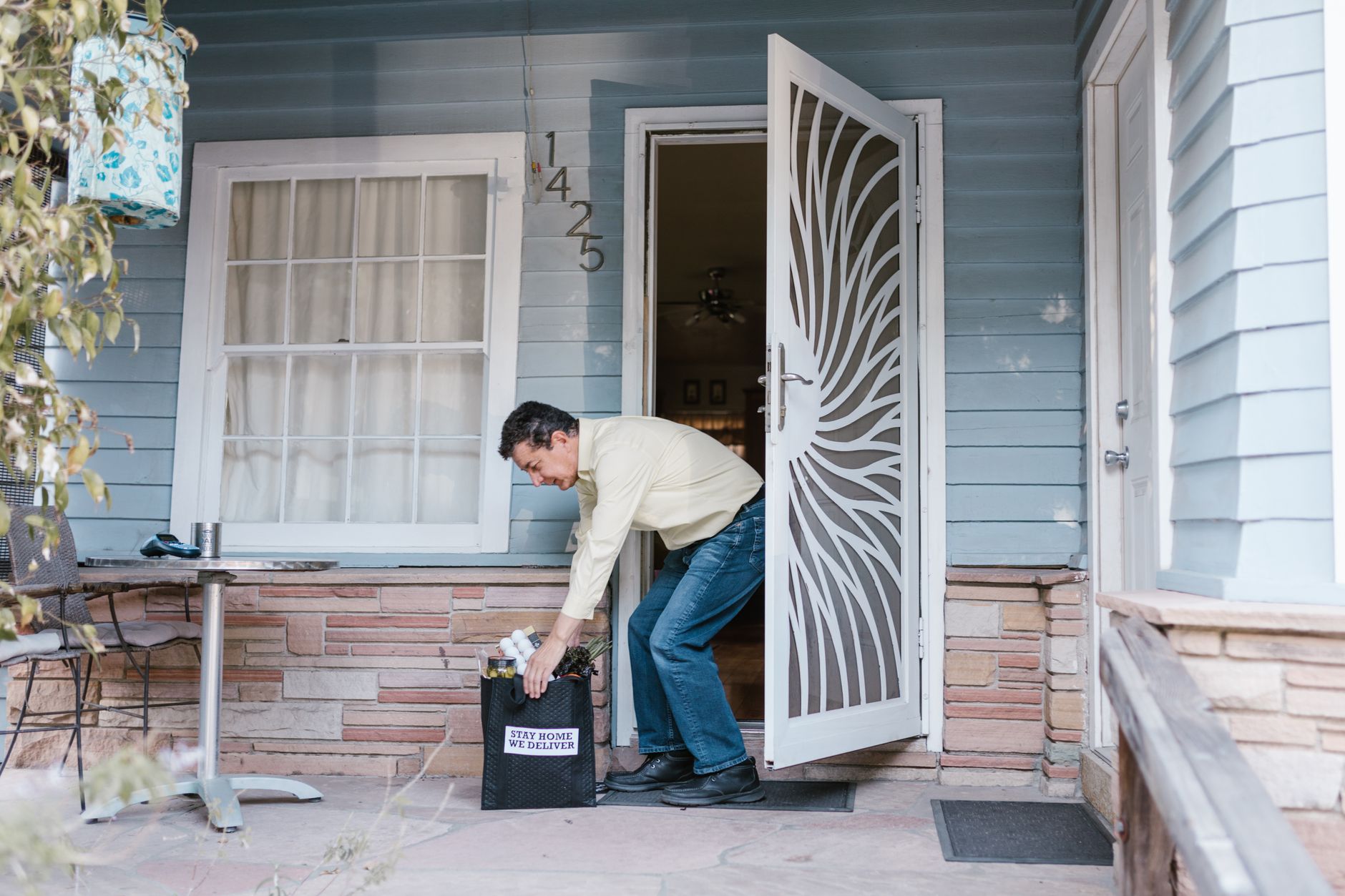
Busy households across the country are increasingly dependent on these platforms, and rightly so. ONS retail data consistently shows that online food and drink sales hold a substantial share of total grocery spend in Great Britain. The question is no longer whether to shop online, but which service deserves your standing order.
Which supermarkets are getting online grocery delivery right?
Ocado remains the one that enthusiastic home cooks recommend to everyone they know. The range is extraordinary. You can go from own-brand staples to specialist ingredients in a single basket, and the app is genuinely pleasant to use. Slots are more available than they once were, and the temperature-controlled totes mean your yoghurt arrives cold and your bread arrives intact. I have had perhaps three issues with an Ocado order in two years, and two of those were resolved with a refund before I even finished composing the message. That kind of reliability builds real trust.
Sainsbury’s has quietly improved its delivery game. The Delivery Pass subscription, which runs at around £35 for six months at the mid-tier, makes the weekly shop genuinely economical. I tend to place orders on a Tuesday evening and have never had a slot refused within 48 hours in my area. Freshness on fruit and veg has been noticeably better since the retailer made noise about renegotiating supplier contracts. Whether that is cause and effect is hard to say, but the courgettes arriving with four or five days left on them rather than one is the kind of thing that makes you stick with a service.
The rise of rapid delivery and what it actually delivers
Rapid grocery delivery platforms have matured considerably. Getir and Deliveroo Hop, operating in many UK cities, now stock a wider range than their early convenience-only offer. For top-up shops, a bag of pasta and a bottle of wine in under 20 minutes is hard to argue with. The pricing is higher than a full supermarket shop, but many households use rapid delivery for exactly that purpose: filling the gap between big weekly orders rather than replacing them entirely. It is a sensible pairing.

Morrisons deserves more credit than it typically gets in these conversations. Its delivery offer, now partly fulfilled through its own fleet and partly through third-party courier partnerships, has improved steadily. The Market Street range (think fresh fish counter, deli meats, bakery items) translates well online, and the ability to request “leave in a safe place” or redirect slots has become genuinely flexible. For families in suburban and semi-rural areas where Ocado coverage is thinner, Morrisons is often the standout choice.
Specialist grocery delivery that fills the gaps the supermarkets miss
Abel and Cole is the one I keep coming back to when I want to feel good about what is in the fridge. The organic veg boxes are sourced from named UK farms where possible, the packaging is minimal and returnable, and the weekly newsletter that arrives with your order has actual recipe ideas rather than just promotional copy. If you care about where food comes from, this is worth the slight premium. Similar praise goes to Riverford, which has quietly built one of the most loyal customer bases in British food retail. Their box customisation has improved enormously, and the commitment to ethical supply chains is genuine, not just a marketing line.
For those with specific dietary requirements or international food needs, platforms like Sous Chef and Spice Kitchen have built dedicated audiences. These are not delivery services in the same weekly-shop sense, but they fill a genuine need for ingredients that the major supermarkets either do not stock or stock poorly. Getting a specific Korean chilli paste or a proper Kashmiri spice blend delivered reliably to a Manchester or Bristol postcode used to require patience; now it takes a couple of days at most.
What actually makes a grocery delivery service worth sticking with
Freshness, obviously. But reliability of slot, ease of substitution management, and customer service response time matter just as much in practice. The services that let you block certain categories from substitution, or that phone ahead when something is unavailable, have an enormous advantage over those that simply swap in a different brand and hope you notice at checkout. Tesco’s online platform does the substitution thing better than most; you can review and reject in the app before the driver even leaves the depot.
Pricing transparency is another thing households have become sharper about. Hidden delivery fees and minimum order thresholds that jump without warning cause real friction. The services that have fixed these things, that show you the total including delivery before you have committed to a full basket, tend to be the ones people renew subscriptions with year after year. If you are curious about how delivery logistics actually work at scale, it is worth reading a bit about how modern courier operations are structured; the team at 0lly.uk have written about exactly that side of the industry.
It is also worth noting how well online grocery delivery pairs with the broader shift in how we manage household spending. If you are already thinking carefully about budgets, the ability to see your running total as you shop, avoid impulse buys in an aisle, and compare unit prices without a trolley in hand is a genuine advantage. I have written before about services that help households take control of day-to-day costs, and grocery delivery fits neatly into that picture when used thoughtfully. Similarly, if sustainability is a priority in your household, some of the same values that drive people to explore the UK’s most trusted renewable energy suppliers are the ones that make Riverford and Abel and Cole feel like the right choice over a faceless supermarket platform.
The weekly shop used to be a chore people dreaded. The best online grocery delivery services in the UK have made it, if not exactly a joy, then at least something you stop thinking about. That is a real achievement, and the platforms earning genuine loyalty in 2026 have done it through consistent execution rather than gimmicks. For households that have found the right fit, it is hard to imagine going back to pushing a trolley round a car park on a Saturday morning. And that, honestly, says everything.
Frequently Asked Questions
Which UK online grocery delivery service is best for fresh fruit and vegetables?
Ocado and Riverford consistently receive strong marks for freshness. Ocado uses temperature-controlled delivery totes, while Riverford sources organic produce from named farms and ships it quickly after harvest. Both tend to deliver items with noticeably longer shelf life than a typical in-store purchase.
How much does online grocery delivery cost in the UK in 2026?
Most supermarkets charge between £1 and £7 per delivery depending on slot time and order size. Subscription passes (such as Sainsbury’s Delivery Pass at around £35 for six months) reduce this significantly for regular shoppers. Rapid delivery platforms like Getir charge more per item but often have no delivery fee above a minimum order.
Are rapid grocery delivery services like Deliveroo Hop worth using?
For top-up shops and urgent needs, yes. Rapid delivery platforms can get basics to your door in under 30 minutes in covered UK cities. They are not designed to replace a full weekly shop due to higher per-item pricing, but as a complement to a regular supermarket delivery they work well.
Can I get specialist or organic groceries delivered to a UK home address?
Absolutely. Services like Abel and Cole, Riverford, and Sous Chef cover a large portion of mainland UK postcodes. Delivery is typically next-day or within two days, and many offer flexible subscription boxes you can pause or customise week by week.